
Uploading documents into your Mobilleo journeys can be useful if you wish to attach any documents that may be relevant to that specific journey, this can go as far as a scanned passport image, meeting notes or attaching receipts.
- To upload a document to a journey, click the "Journeys" tab on the main dashboard
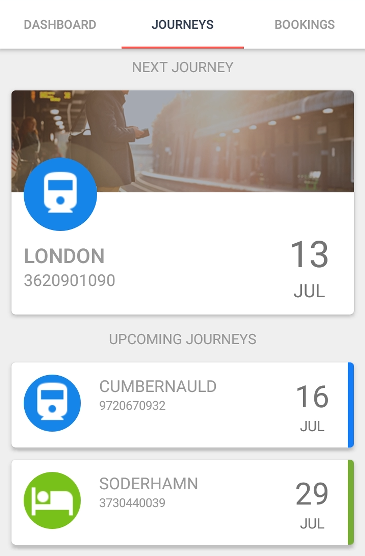
- Select the journey you wish to add the document to
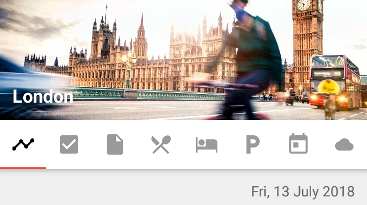
- Select the documents tab
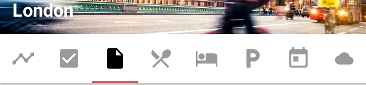
- Click the "Upload Document" button

- From your device's files, select the document/s you wish to attach
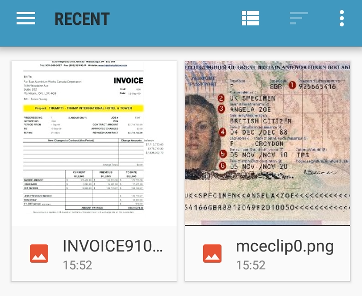
- Your document will be uploaded into your journey
If you need any more assistance, please contact support